Tampa Home Staging Guide: Prepare Your Home for Photos
Tips
12 Min Read
A room-by-room checklist to get a Tampa home photo-ready: declutter, lights, fans, kitchens, pools and twilight prep, plus what our photographers fix on site.

More Articles
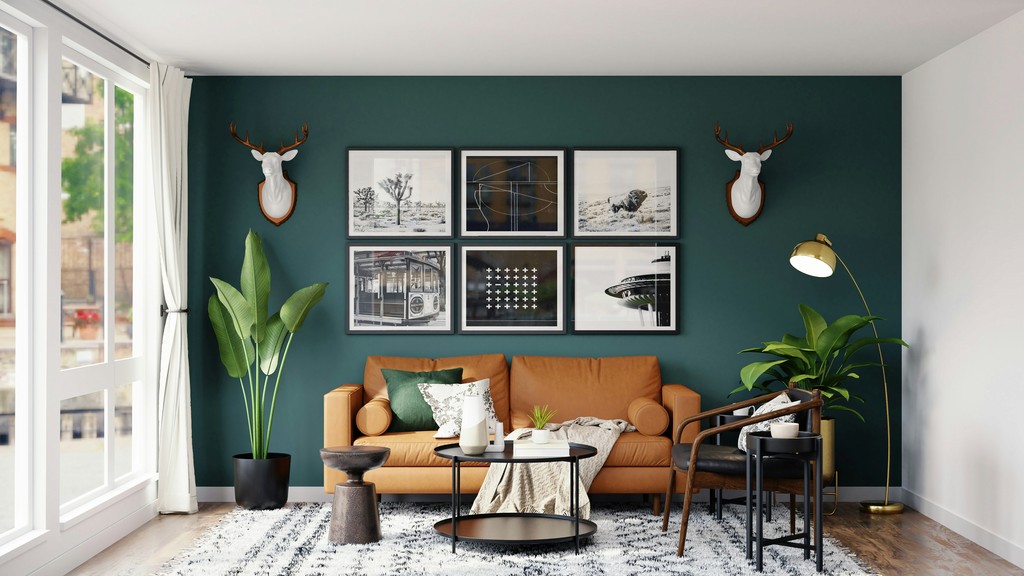


The most useful thing you can do before a listing shoot is get the home photo-ready: declutter every surface, replace dead bulbs, turn on every light and turn off the ceiling fans. The checklist below goes room by room, with a few Tampa-specific notes on light, lanais and pools.
Why Preparation Counts as Much as the Photographer
A photographer records what is in front of the camera. If the counters are cluttered, the camera records clutter. A little prep the day before does more for your photos than any editing afterward.
General Rules for Every Room
Declutter hard. Clear most items from visible surfaces, then put back one or two.
Replace burned-out bulbs. We turn on every light in the house, so every one should work.
Turn on all interior lights. Even in daytime, lamps and fixtures add warmth and depth.
Hide personal items. Family photos, toys, pet items and medications should be out of sight before we arrive.
Clean glass. Mirrors, windows, shower doors and glass tables show every fingerprint.
Turn off ceiling fans. Spinning blades blur and look odd in photos.
Room-by-Room Checklist
Living room
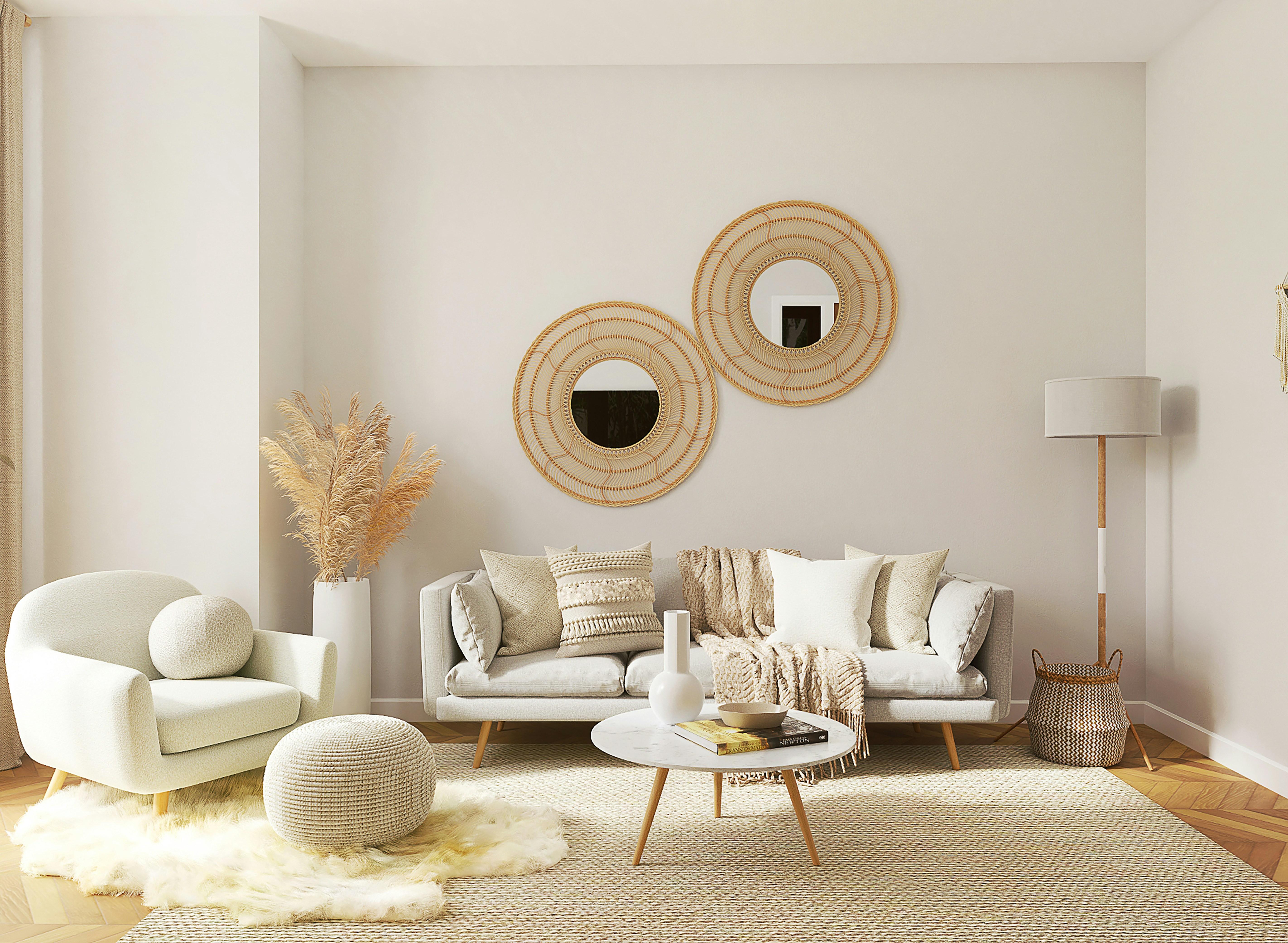
Arrange sofa cushions symmetrically
Remove remote controls, cables and chargers
Open blinds and curtains fully
Add one or two simple accents, like a coffee table book or small plant
Kitchen
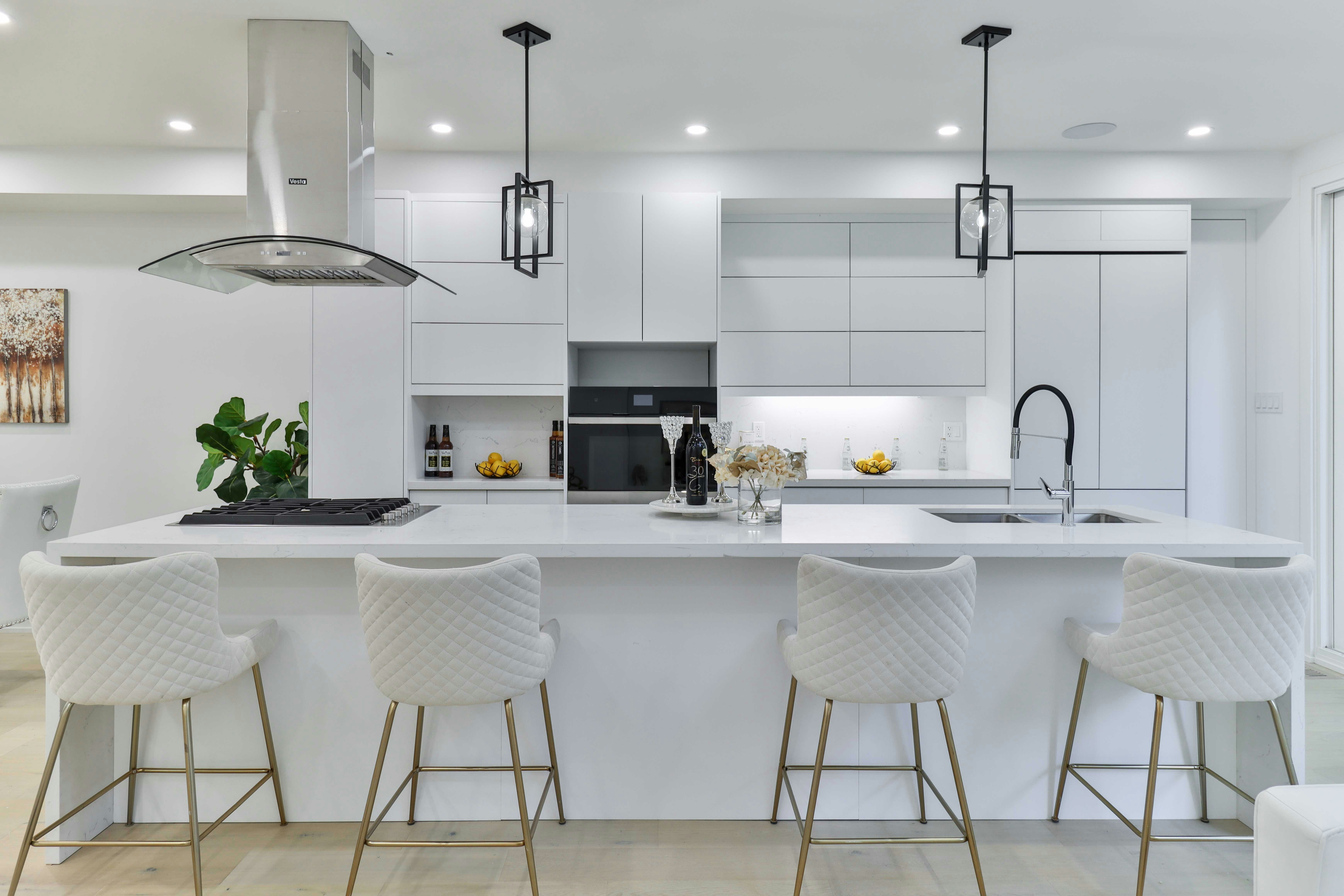
Clear the countertops completely
Leave one or two items, such as a bowl of fruit
Hide dish racks, sponges, soap dispensers and small appliances
Wipe down appliance fronts, since stainless steel shows prints
Put away pet bowls
Primary bedroom
Make the bed with clean, crisp linens
Clear nightstands except for one or two accents
Clear the dresser top
Close closet doors unless the closet is a selling point
Bathrooms
Remove toiletries, shampoo, soap and razors
Put out fresh, neatly folded towels
Close the toilet lid
Clean mirrors and chrome
Empty and hide trash bins
Exterior and outdoor areas
Mow the lawn and edge the walks
Sweep the driveway, walkways and patios
Move cars off the driveway and the street in front of the home
Put away hoses, trash cans and garden tools
Arrange outdoor furniture with cushions in place
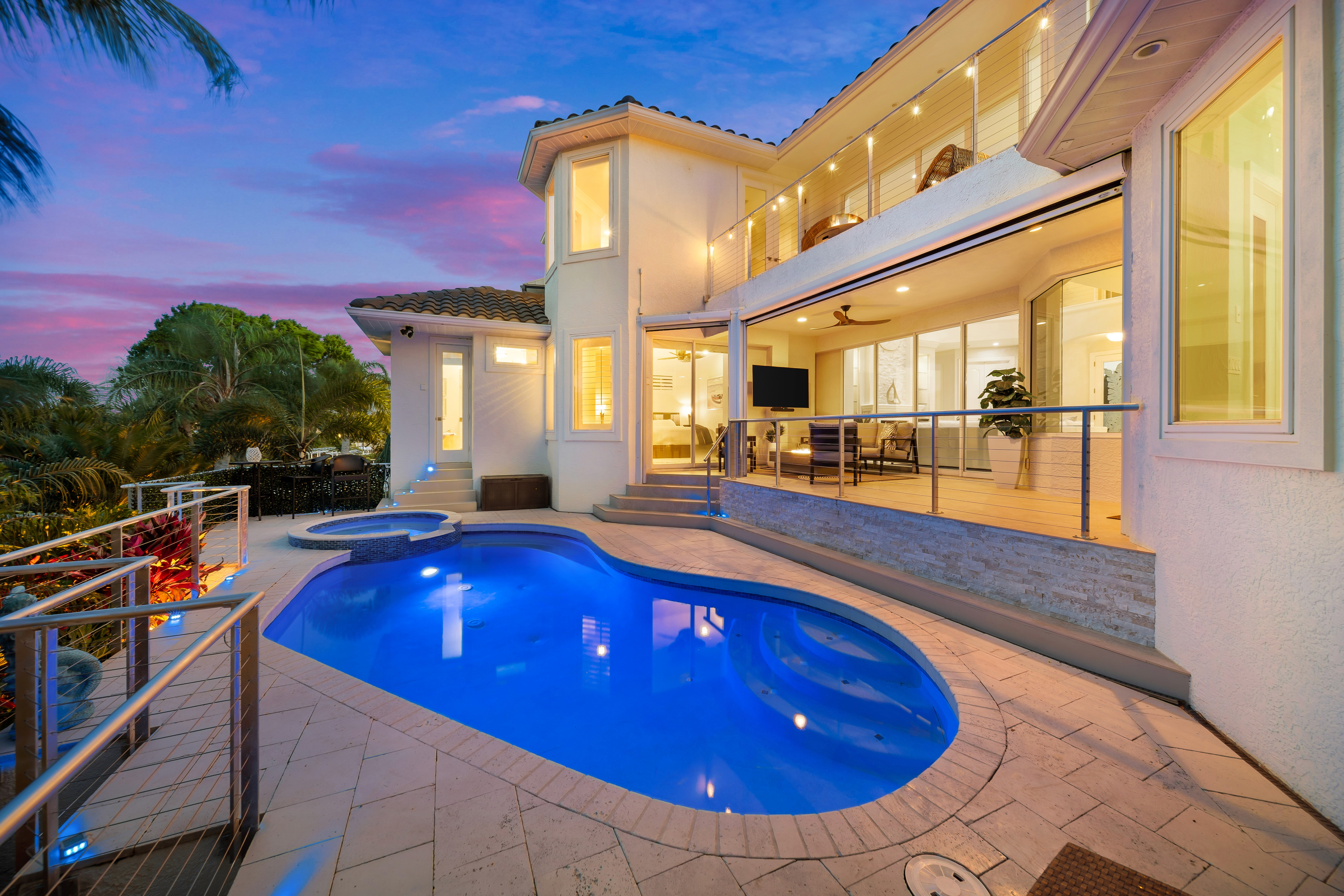
Clean the pool and take toys and equipment out of view
Switch on pool lights and landscape lighting if you booked a twilight shoot
Tampa-Specific Tips
Florida light is strong. For morning shoots, open east-facing blinds fully. For afternoon shoots, partly close west-facing blinds to cut harsh glare.
If the home has a screened lanai or a pool, spend extra time there. Pool and outdoor living shots often end up as the lead images on a Tampa listing.
What We Handle On Site
Our photographers will adjust small items, straighten art and furniture, and suggest quick tweaks before shooting each room. What we can't fix on site is major clutter, personal items left out, dirty windows and cars parked in front of the property.
Our Home Prep Guide is a printable version of this checklist you can hand to sellers. For vacant rooms, virtual staging is $25 per image, and our staging cost comparison explains when it beats physical staging. Photography packages start at $190 on the pricing page.


Similar Topic